

Introduction: Why Google Search Console Is a Must-Have for Technical SEO
Every successful website starts with one thing: data you can trust. Without it, even the best content or design can struggle to rank in search results.
Technical SEO keeps your website healthy, fast, and easy for both users and search engines to navigate. To do it right, you need clear insights into how your site performs behind the scenes.
That is where Google Search Console (GSC) comes in. It is a free and powerful tool that helps you see your website the way Google does.
You can track how your pages are indexed, find crawl issues, and understand what might be slowing your site down.
In this article, you will learn how to use Google Search Console for technical SEO. You will see how to identify performance problems, fix them quickly, and use real data to boost your site’s visibility and user experience.
What Is Google Search Console and Why It Matters for Technical SEO
Google Search Console (GSC) is a free tool from Google that helps you understand how your website performs in search results.
It provides valuable information about how Google crawls, indexes, and ranks your pages. In simple terms, GSC shows you how search engines see your site — not just how visitors use it.
Many people confuse Google Search Console with Google Analytics. While Analytics tracks user behavior such as clicks, bounce rates, and time on page, Search Console monitors the technical side.
It helps you see how Google’s bots access your site, whether your pages are indexed properly, and if anything affects your visibility.
For technical SEO, GSC is essential. It helps you find and fix problems like crawl errors, broken links, or pages blocked by robots.txt.
You can also track Core Web Vitals — key performance metrics that show how fast and stable your pages are. With this data, you can make your site more search-friendly and improve user experience at the same time.
In short, Google Search Console gives you the technical insight you need to maintain a healthy website, make smarter SEO decisions, and ensure your site performs at its best in Google search results.
Setting Up Google Search Console for Technical SEO
Setting up Google Search Console is simple but important. Start by going to search.google.com/search-console and adding your website as a property.
You will choose between two options: Domain and URL-prefix. The Domain option covers your entire site, including all subdomains and protocols (http/https).
The URL-prefix option tracks only the specific version you enter. For full data, the Domain option usually works best.
Next, verify that you own the website. You can do this through your domain provider, by uploading an HTML file, or by adding a meta tag to your site.
Once verified, connect GSC to Google Analytics. This integration combines technical data from GSC with user insights from Analytics, giving you a more complete view of performance.
After that, submit your XML sitemap so Google can find and index all your pages easily. Finally, set your preferred domain (for example, https://www.yoursite.com) to keep your data consistent.
Once you complete these steps, you can start uncovering the technical insights that help your website rank better and perform smoothly.
Crawl Coverage and Indexing Insights
One of the most important features in Google Search Console is the Coverage Report. This report shows how Google crawls and indexes your website. It categorizes pages into four main statuses: Valid, Error, Valid with warnings, and Excluded.
-
Valid pages are indexed and can appear in search results.
-
Error pages cannot be indexed due to issues like server errors, soft 404s, or blocked resources.
-
Valid with warnings pages are indexed but may have minor issues that could affect performance.
-
Excluded pages Google intentionally or unintentionally leaves out of its index, often due to robots.txt rules, noindex tags, or duplicate content.
Fixing indexing errors is key to ensuring your site performs well in search. Common problems include soft 404s, where Google thinks a page is missing even though it exists, redirect chains, and canonical issues where multiple URLs compete for the same content.
Use the URL Inspection Tool to check individual pages, see their last crawl date, and test live URLs for indexing status.
Pay special attention to pages labeled “Discovered – currently not indexed.” These pages may be accessible to Google but are not yet included in the search index.
This can indicate crawling delays, low-quality content, or duplicate issues. By monitoring these pages regularly, you can identify bottlenecks and ensure Google discovers important content.
Regularly reviewing the Coverage Report and acting on its insights keeps your website healthy, crawlable, and fully optimized for search engines. It forms a foundational step in any technical SEO strategy.
Core Web Vitals and Page Experience Report
Core Web Vitals measure real-world user experience on your website. Google focuses on three main aspects:
-
Largest Contentful Paint (LCP): How quickly the main content loads.
-
First Input Delay (FID): How responsive your site is to user interactions.
-
Cumulative Layout Shift (CLS): How stable the page layout is while loading.
These metrics directly affect both SEO and user satisfaction. Slow load times, unresponsive buttons, or shifting content frustrate visitors and can increase bounce rates.
Google Search Console shows real-world data for these metrics through the Page Experience report. You can see which pages meet thresholds, which need improvement, and how users experience your site across devices.
Improving Core Web Vitals involves optimizing images, reducing render-blocking scripts, implementing lazy loading, and using a responsive design.
Enhancing load speed, responsiveness, and layout stability not only boosts rankings but also keeps visitors engaged. A technically strong site encourages longer sessions, higher interaction, and ultimately more conversions.
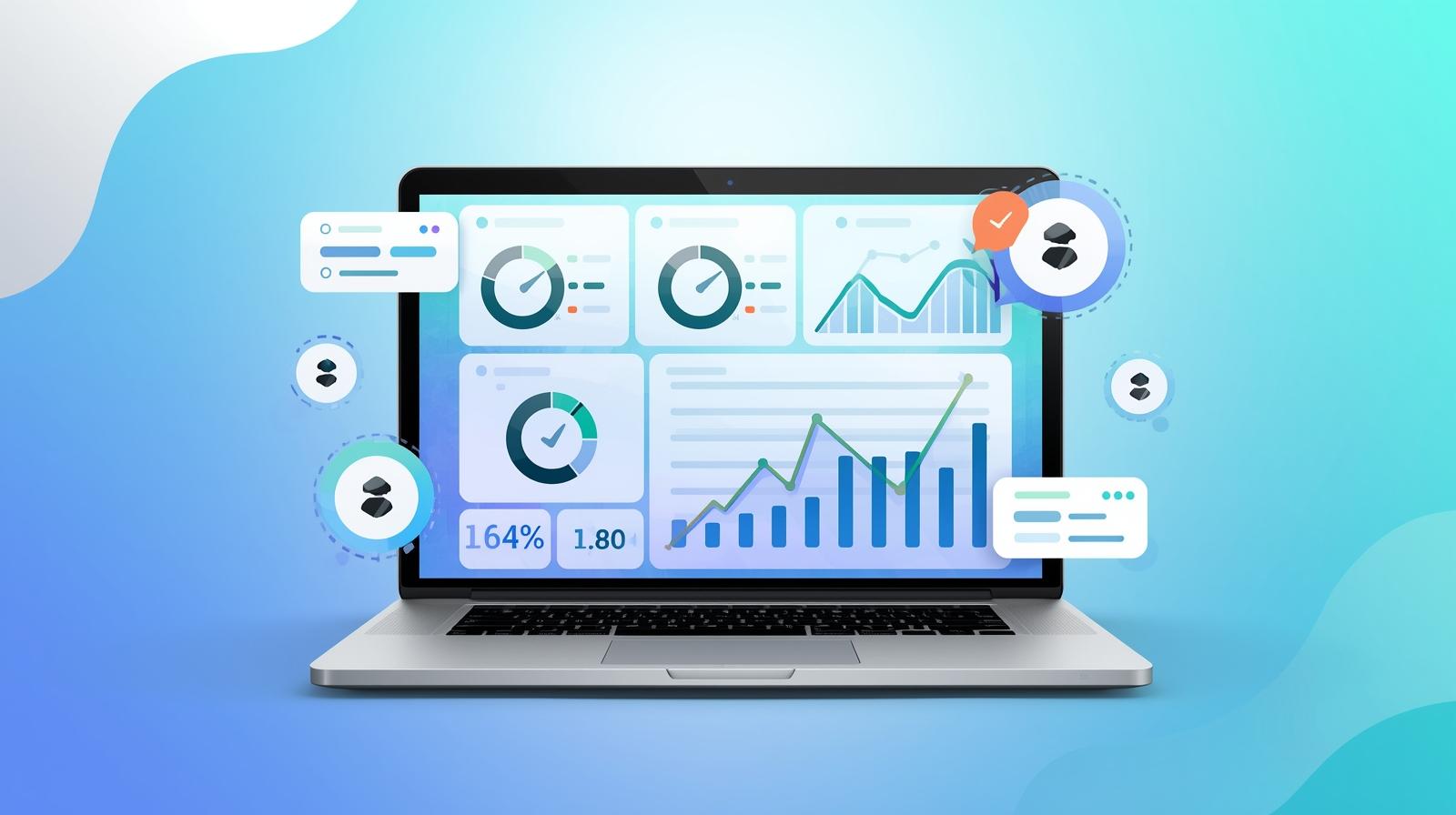
By regularly reviewing the Page Experience report in GSC, you can pinpoint pages that hurt performance and take actionable steps to improve technical SEO while creating a smoother, faster, and more enjoyable experience for users.
Mobile Usability and Responsiveness
Mobile usability is essential for both user experience and search rankings. Google Search Console’s Mobile Usability report highlights issues like buttons that are too close together, small text, or content wider than the screen.
These problems frustrate visitors, increase bounce rates, and hurt conversions. For example, tapping the wrong button or scrolling horizontally can make your site feel unprofessional.
Fixing mobile usability improves performance under Google’s mobile-first indexing and creates a smoother, faster experience. Optimizing for mobile keeps users engaged and boosts conversions across all devices.
Enhancing Crawl Efficiency with Sitemaps and Robots.txt
Submitting an XML sitemap to Google Search Console ensures that search engines can easily find and index all your important pages. A sitemap acts like a roadmap, guiding crawlers to your key content and helping prevent overlooked pages.
It is equally important to verify that essential pages are not blocked by robots.txt. Incorrect rules can prevent Google from accessing valuable content, limiting your site’s visibility.
To optimize crawl efficiency, keep a structured site hierarchy, limit low-value pages, and avoid unnecessary redirects. This allows Google to focus on your most important pages, improves indexing speed, and ensures your site remains fully searchable.
Efficient crawling is a foundational aspect of technical SEO, supporting better rankings and overall site performance.
Using the Performance Report for Technical Insights
The Performance Report in Google Search Console shows key metrics: impressions, clicks, click-through rate (CTR), and average position.
These numbers reveal how your pages perform in search results and highlight potential technical or content issues.
For example, pages with high impressions but low clicks may indicate weak meta titles or slow-loading pages. Similarly, low impressions can signal indexing issues or poor site structure.
Analyzing CTR trends across devices and queries helps identify opportunities to improve content relevance and technical performance.
By regularly reviewing the Performance Report, you can uncover crawl inefficiencies, discover underperforming pages, and prioritize fixes that have the biggest impact on traffic and conversions.

Conclusion: Turn Data into Actionable SEO Wins
Google Search Console turns raw data into actionable insights that improve your website’s technical SEO. By monitoring crawl coverage, Core Web Vitals, mobile usability, and performance metrics, you can fix issues before they hurt rankings or user experience.
Consistent use of GSC allows for sustainable growth and smarter SEO decisions. Start using Google Search Console today to uncover hidden problems, optimize your site, and turn data into measurable SEO success.
Alphanetx Digital Solutions is your trusted ally for all things Development, Design, Marketing, and SEO. Contact us today to learn how we can help expand your online presence and achieve measurable results.